Every job, crew and delivery in one plan.
JobTempo is the operations app for trade businesses. The office plans the day, the crew see it on their phones, and orders, deliveries and hours come back to the job.
Made for plastering and other trade teams. Want a look first? Try the demo, no sign-up needed.
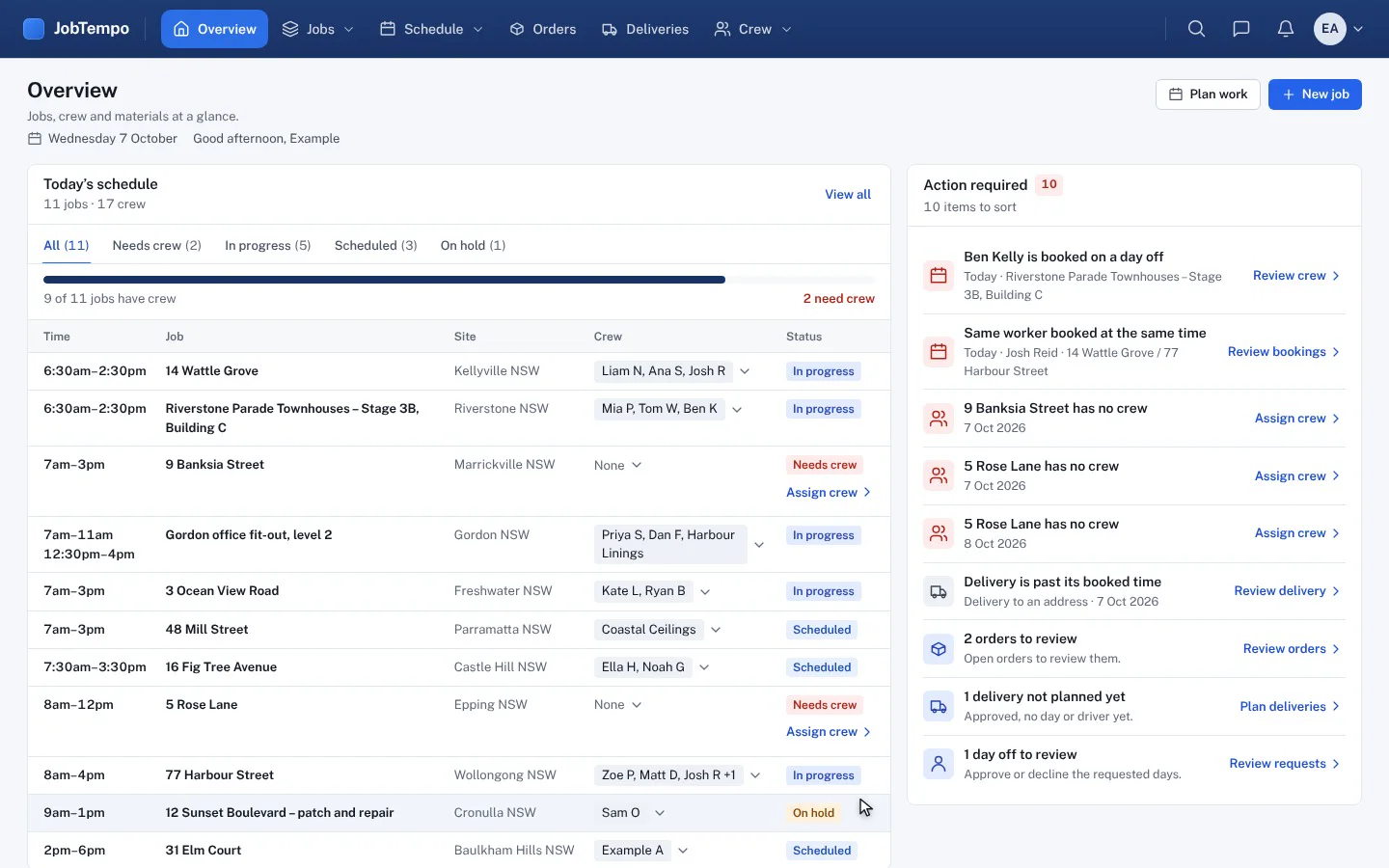
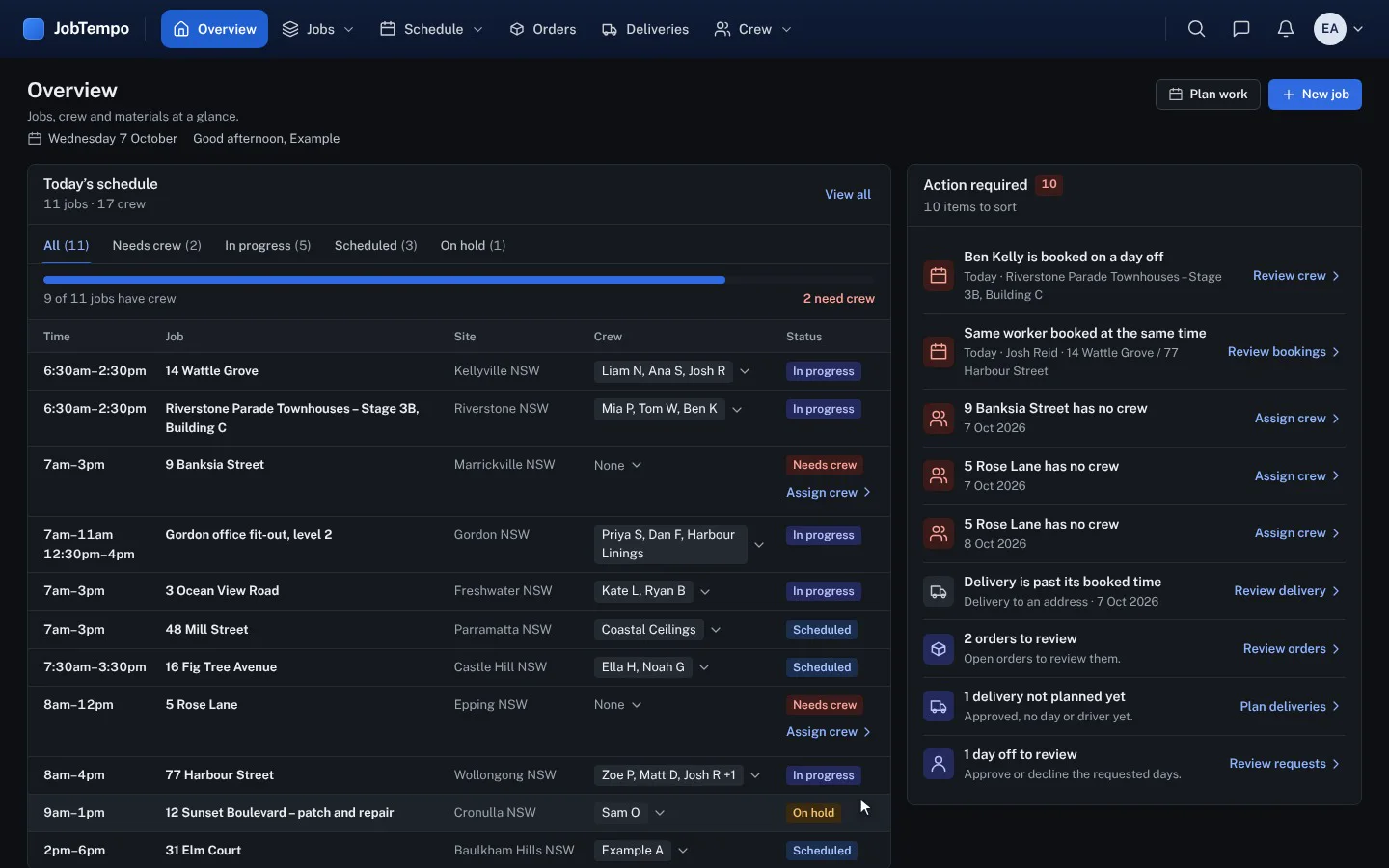
- Crew scheduling
- Dispatch
- Calendar planner
- Days off
- Sheet takeoffs
- Material orders
- Deliveries
- Timesheets
- Xero Projects
Plan the weeks ahead, not just today.
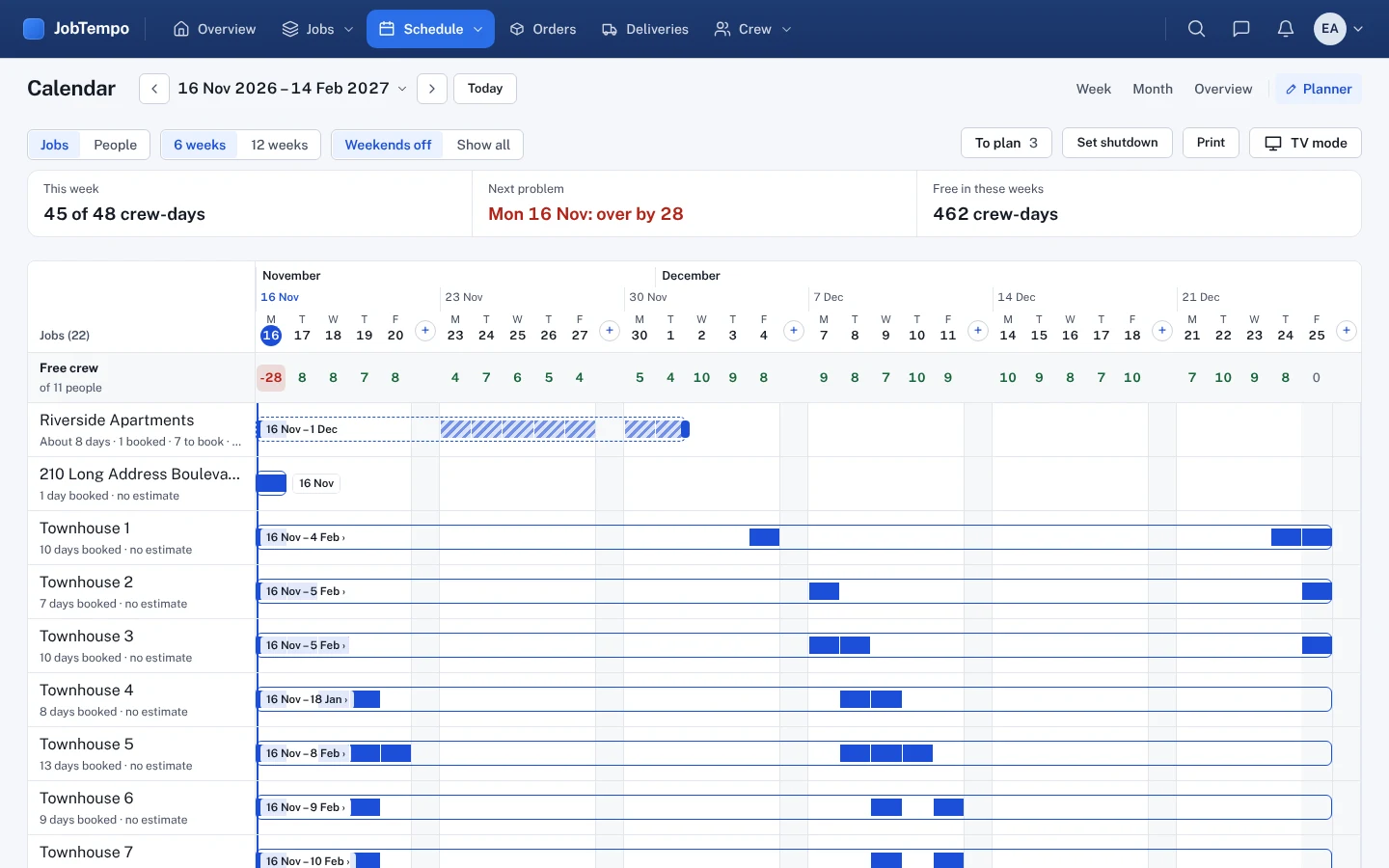
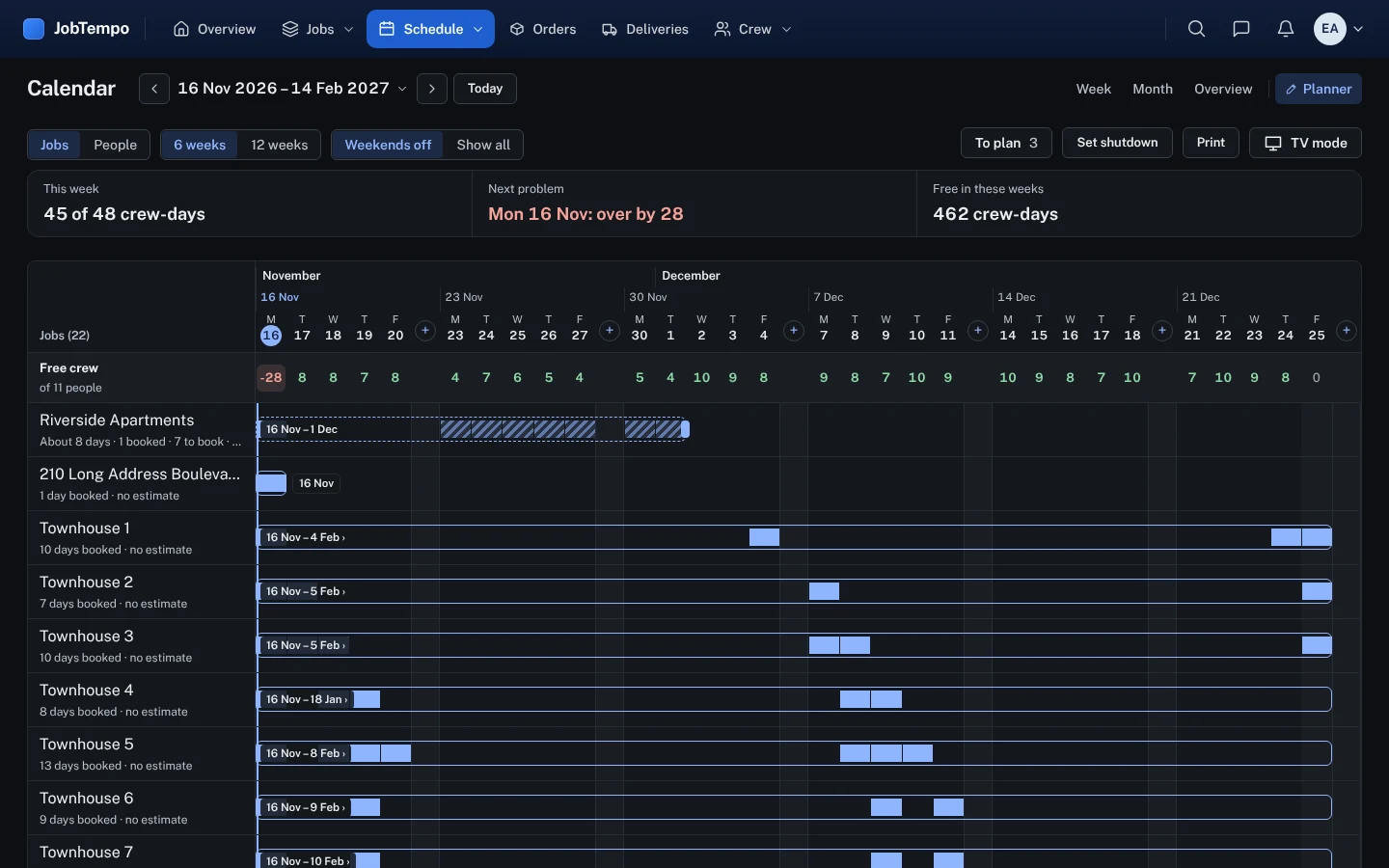
The Calendar planner lays every job across the coming weeks, with the free crew for each day counted above it. Pencil a job in, move it, and see straight away which days run over.
- Free crew per day, so you know before you promise a start date.
- Pencilled and booked work kept apart until it’s confirmed.
- Days off and weekends shown on the same plan.
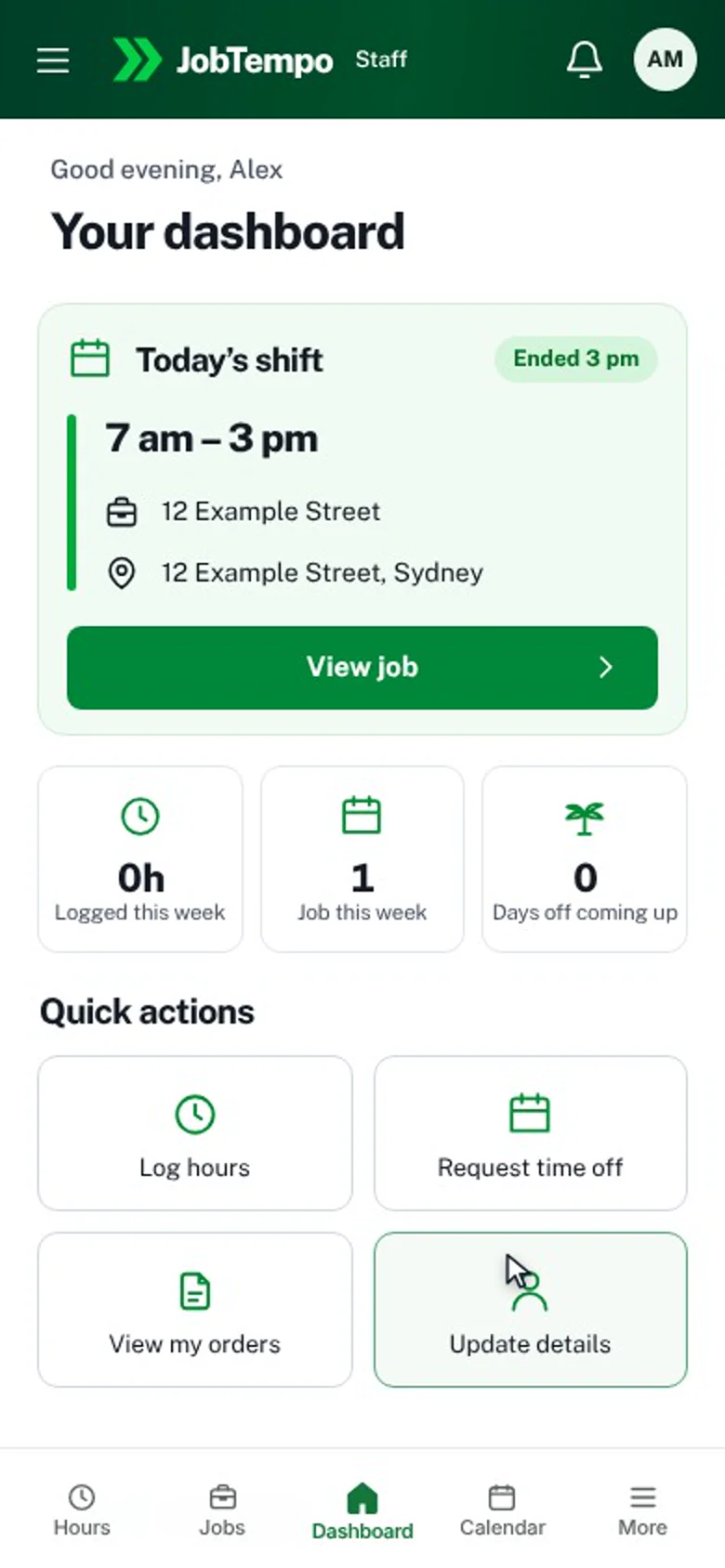
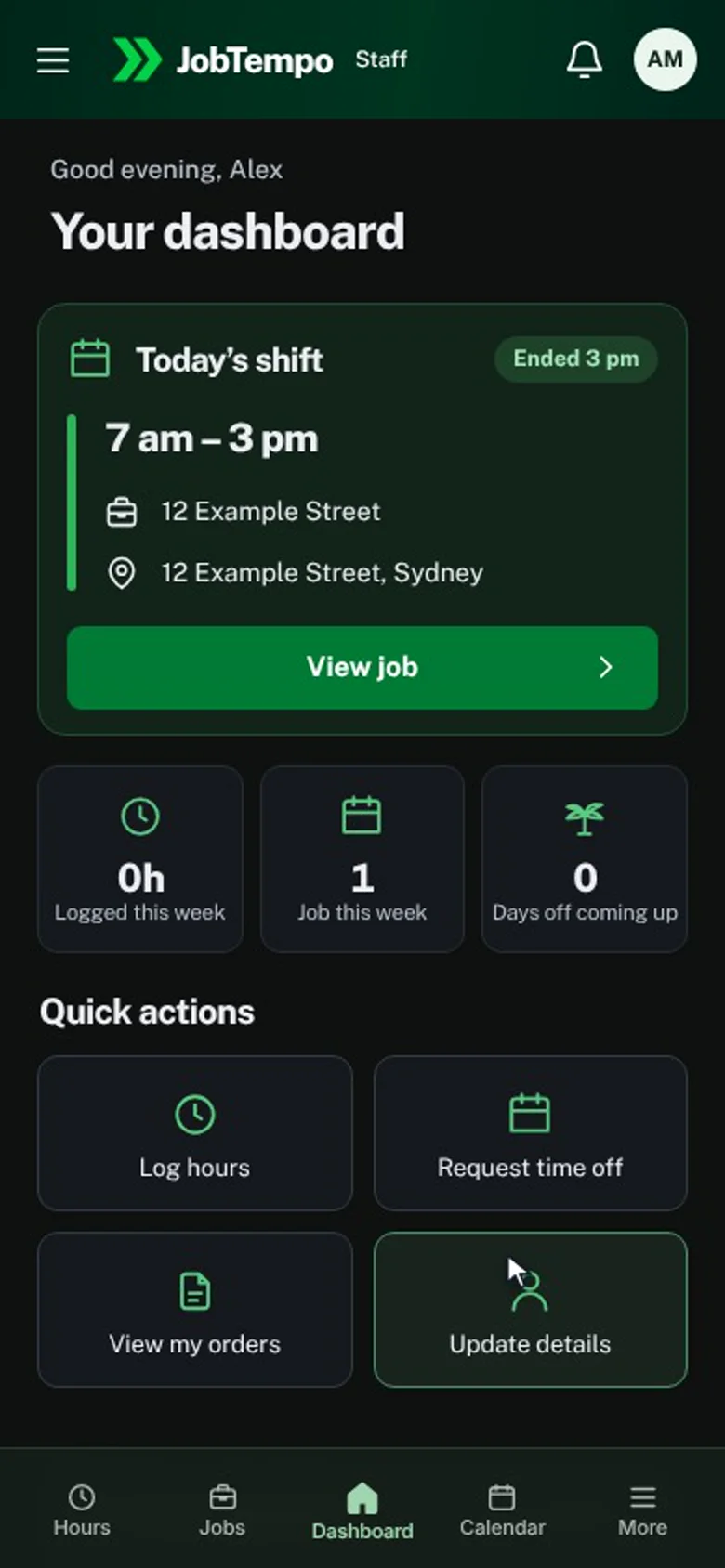
The crew see their day on their phone.
Each person sees the jobs they’re booked on, where and when, without a phone call. They record their hours, request days off and add site notes and photos, and the office sees it on the job.
- Works in the phone’s browser and can be added to the home screen.
- Saves work offline and sends it when there’s reception again.
- Hours by job, ready for the office to review.
From sheet count to delivery.
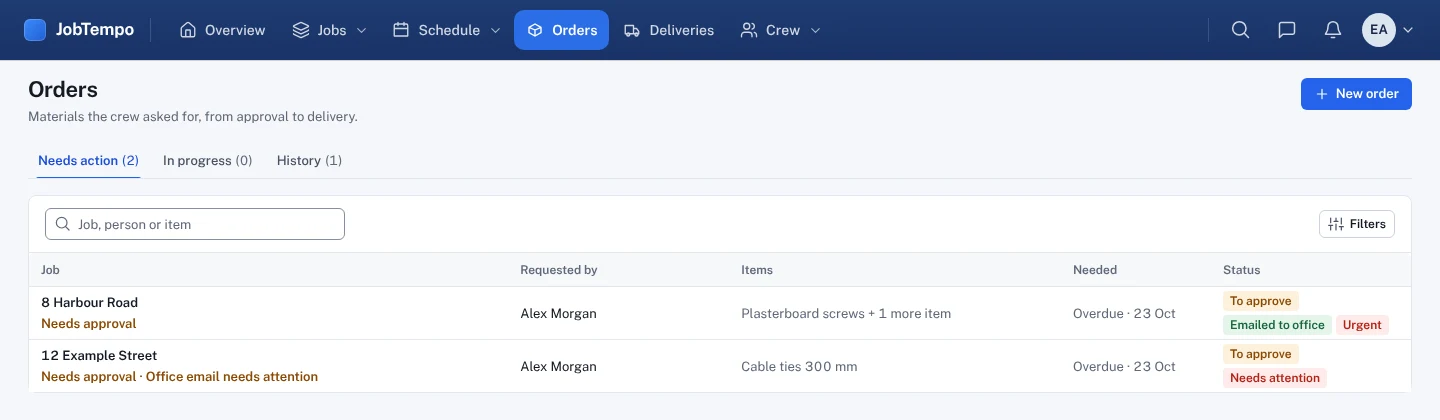
The crew count sheets and ask for materials on site. The office reviews and approves the order, then plans the delivery by day and driver. Every step stays with the job.
- Sheet takeoffs turn into material orders.
- Orders to approve wait in one list for the office.
- Deliveries are planned by day and driver.
Start with one job.
- Create your workspace.Your company gets its own workspace. Its jobs and people are kept separate from every other company.
- Add your team.Invite the office and the crew. Each person sees what their role needs.
- Plan your first job.Book the crew, and they’ll see it on their phones straight away.
Questions
Who is JobTempo built for?
Trade businesses coordinating office staff, field crews and deliveries. It is especially useful for teams that need crew scheduling, sheet takeoffs and material orders in the same workspace.
Can the crew use it on their phones?
Yes. JobTempo is designed for mobile browsers and can be added to a phone’s home screen. Staff can find assigned work, check their schedule, record hours and manage availability.
Does JobTempo work with Xero?
JobTempo supports a Xero Projects connection for project and time workflows. Your company owner connects Xero and sets up worker mappings. Payroll review and approval remain in Xero.
How do we get started?
Create a company workspace, add your team and set up your first project. You can then assign work and invite your crew to access their schedule.